SPARK Features and Screenshots
Here's a small gallery of some of SPARK's current feature set.
Please note that SPARK is in constant development and some of these images may not be fully up to date.
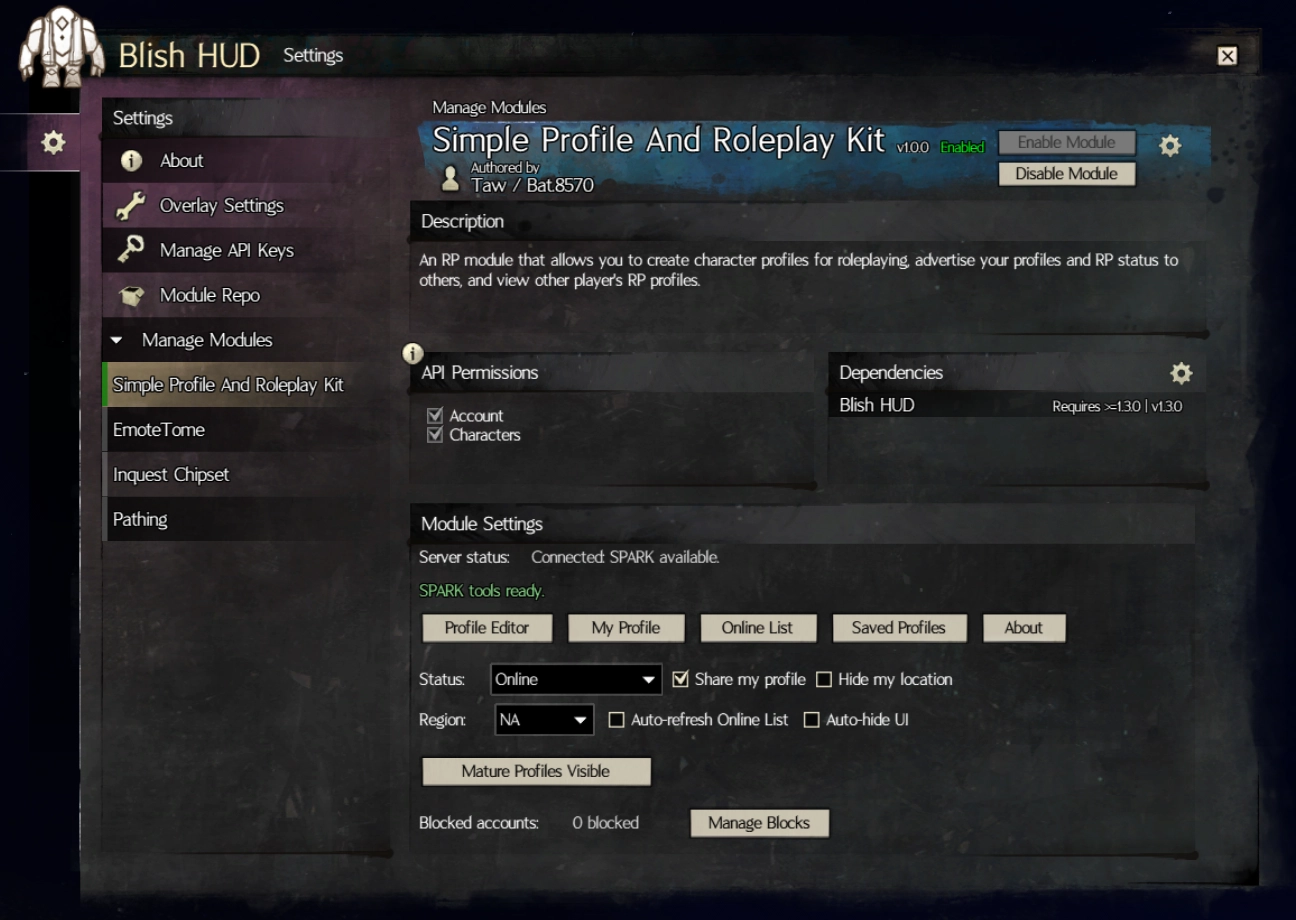
Module Settings
The primary page where you can launch the SPARK windows from, set your status, adjust your privacy, and more!
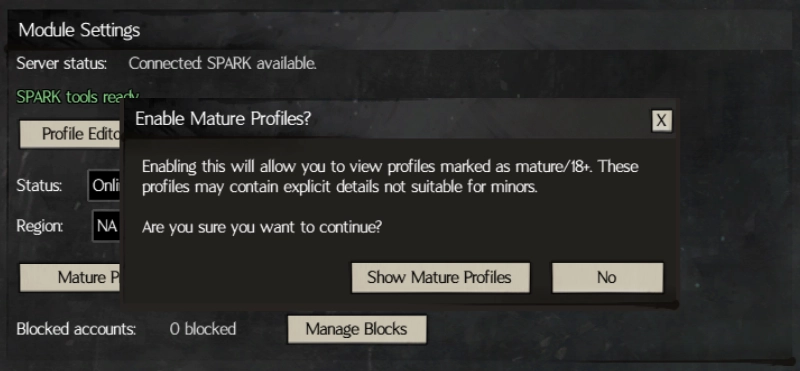
Mature Settings Toggle
If you wish to view profiles that might be marked as mature/18+, there is a popup you need to acknowledge before you can see them in the online profiles list, which looks like this:
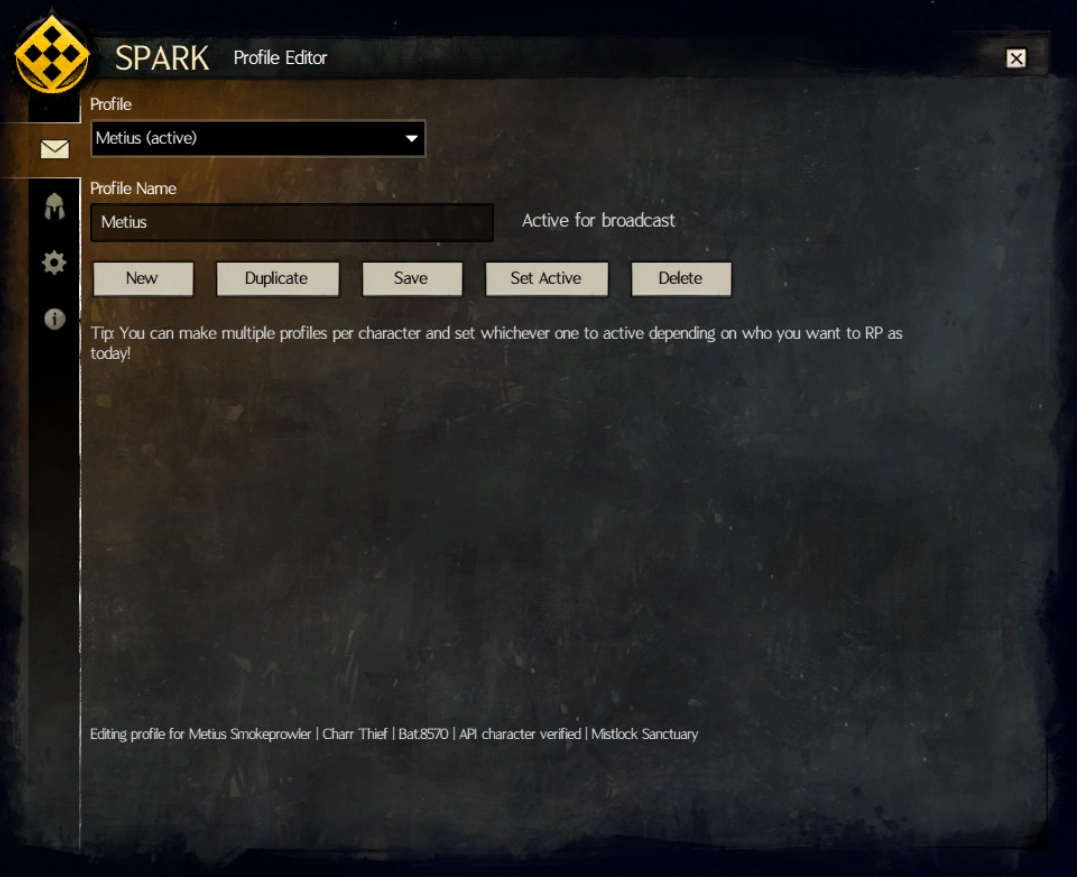
Profile Editor
Where you'll be customizing your profile! There's several tabs here with different features.
Editor - Profile Manager
You can create multiple profiles for each of your characters and select which one you want advertised freely. Great if you have a few different groups that you participate in!
Editor - Edit Profile
Where most of your profile gets constructed! Several boxes to fill in.
If you don't fill in the name, it uses your character name. If your name is very long, some information moves down to a new line as well.
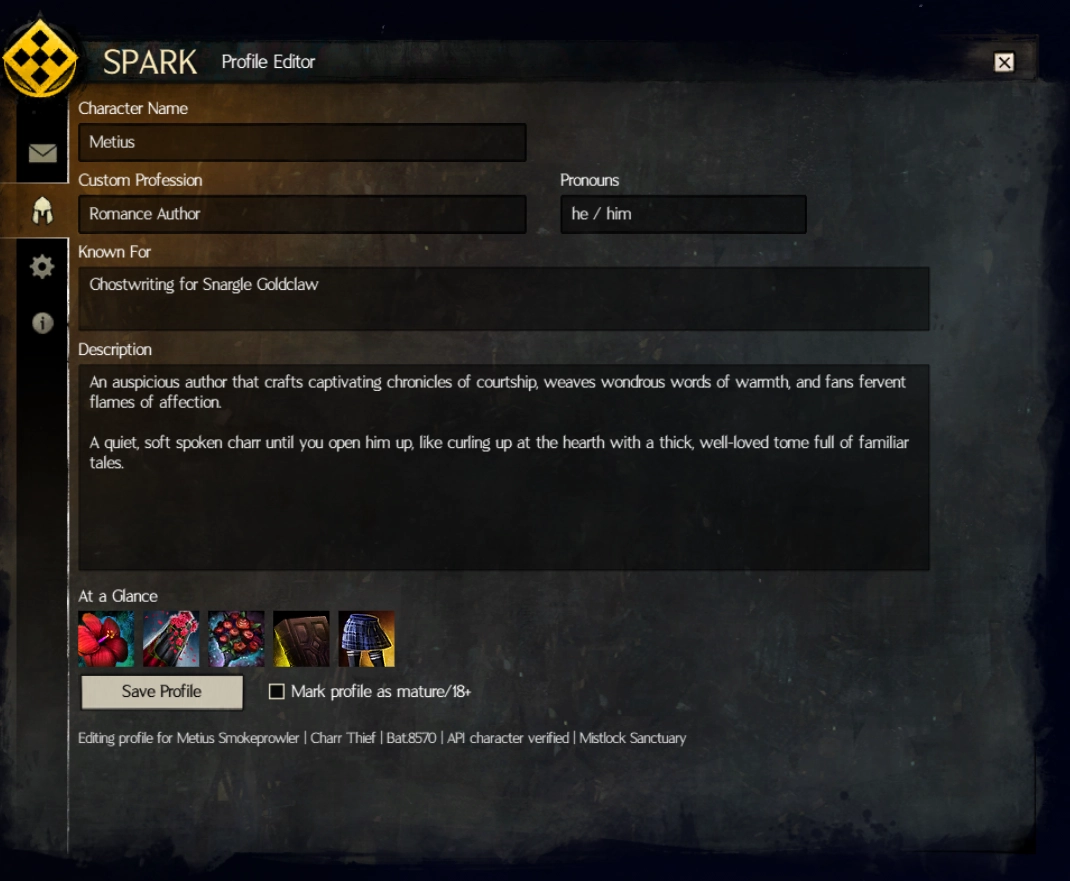
Editor - At a Glance / Icon Search
You can set up to 5 images to use on your profile to customize it, which uses assets from Guild Wars 2 itself. There are over 57,000 icons included in this and the search is fairly quick!
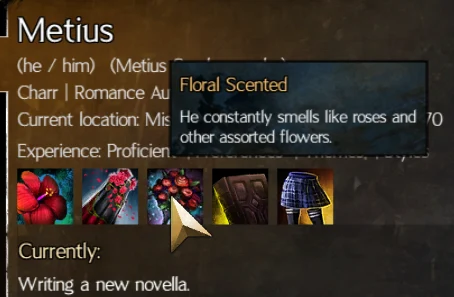
Each 'At a Glance' gets a title and description that you can set when someone hovers over these when viewing your profile.
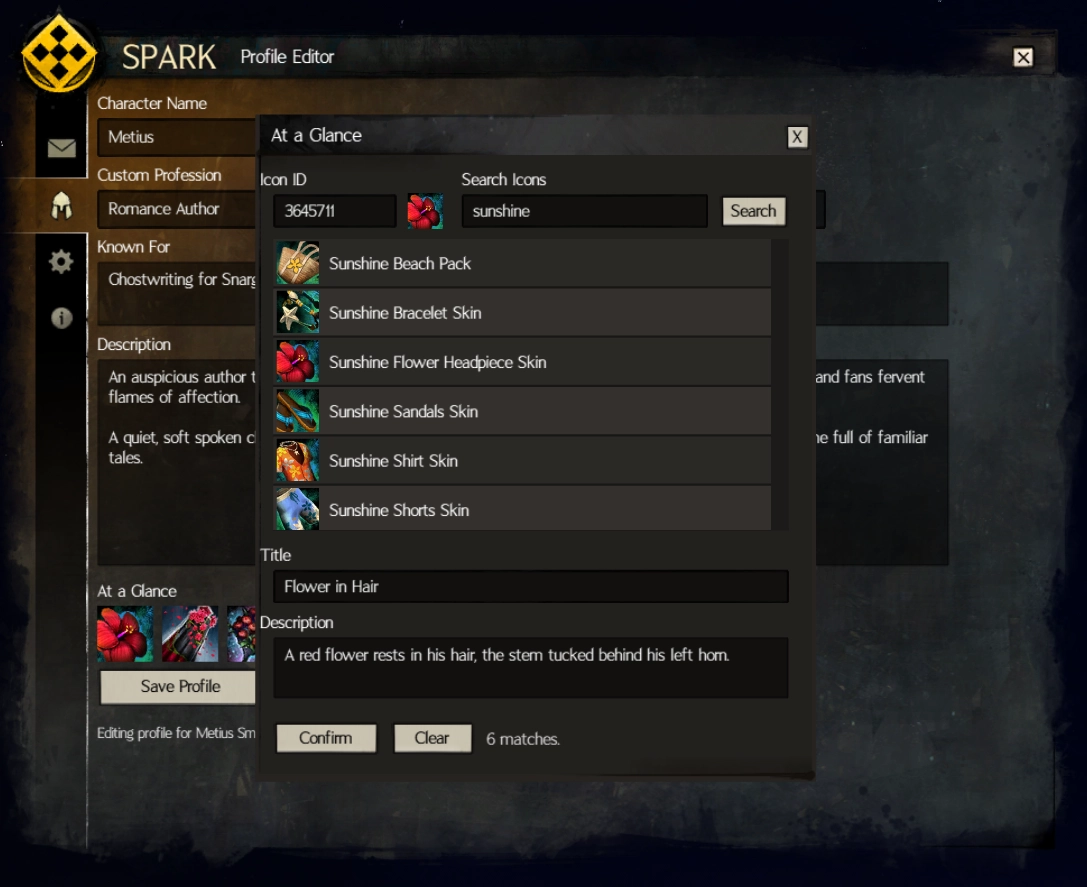
Editor - Preferences
Here's where you can set your experience level, themes, preferences, and styles that you prefer to be listed on your profile.
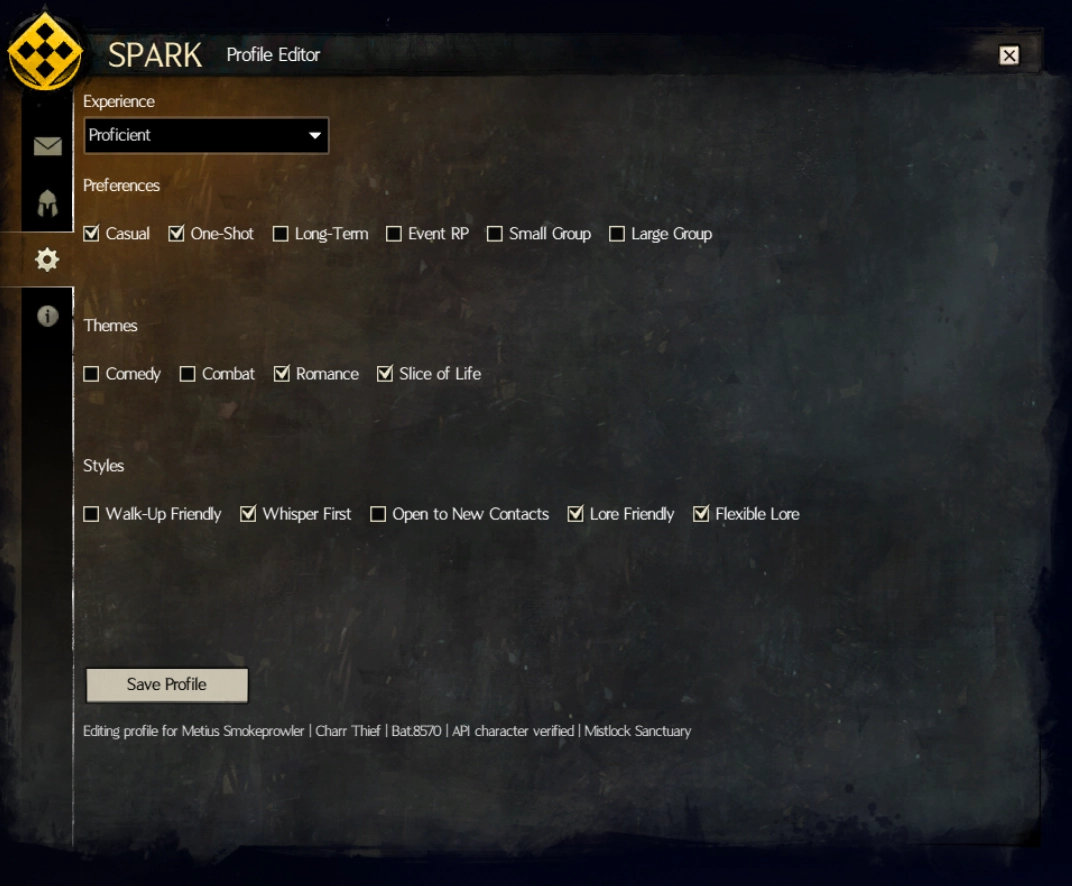
Editor - Currently / OOC Info
Setting information in the currently and OOC boxes adds extra information to your profile, and shows up in the presence tooltip when someone hovers over your name on the profile viewer.
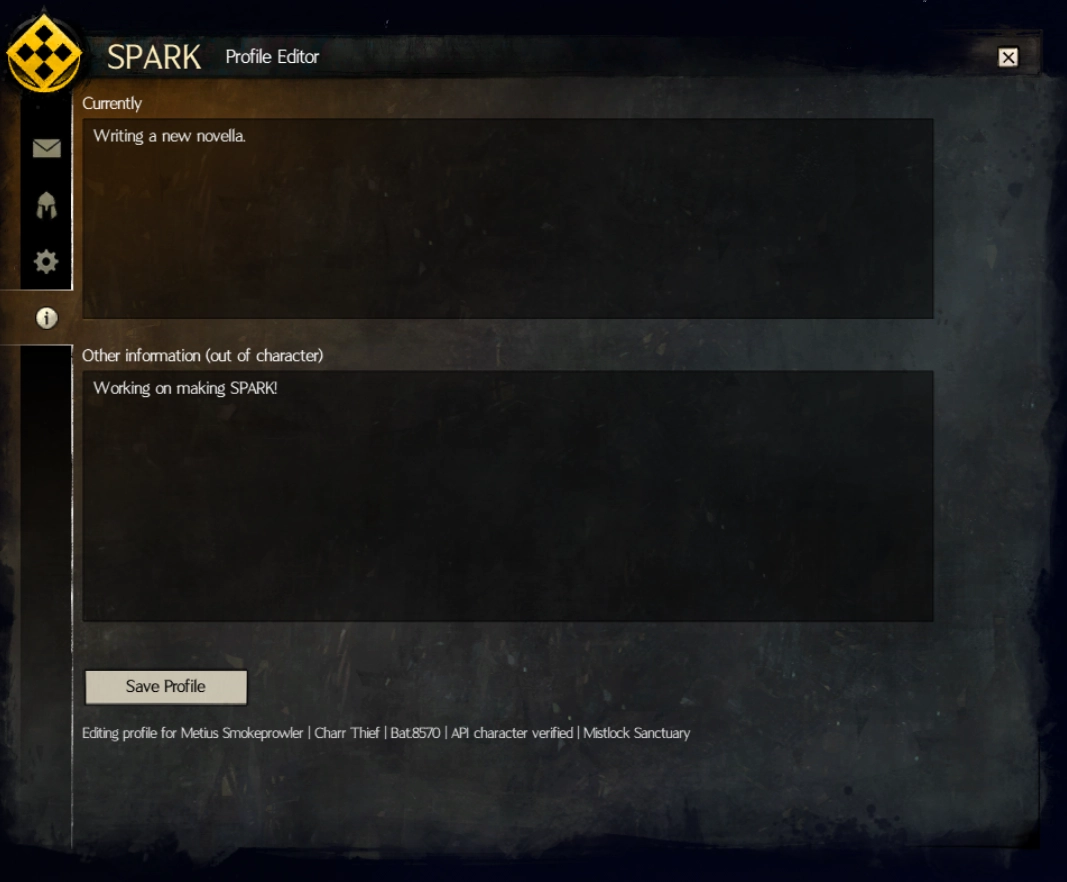
Profile Viewer
Profiles all share the same general layout, with customization mostly being the text and icons. You can see that in action here.
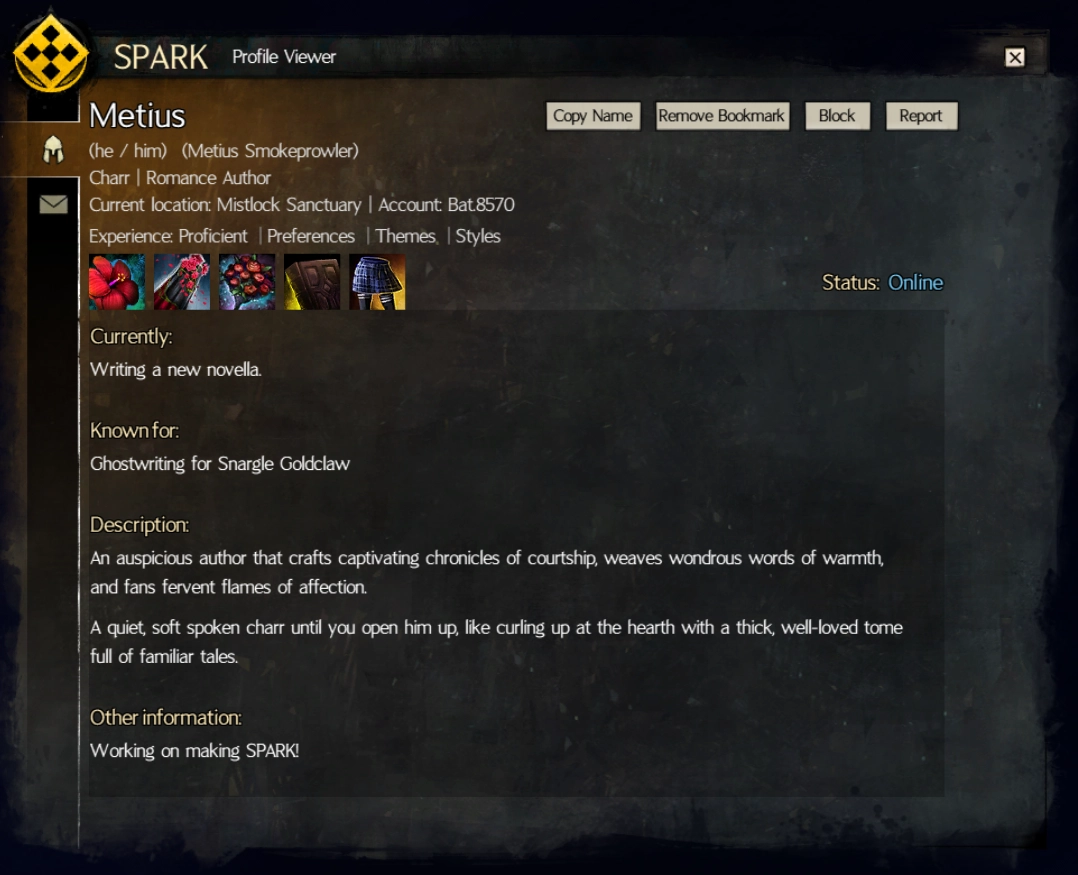
At a Glance Tooltips
An example of the At a Glance tooltips:
Profile Notes
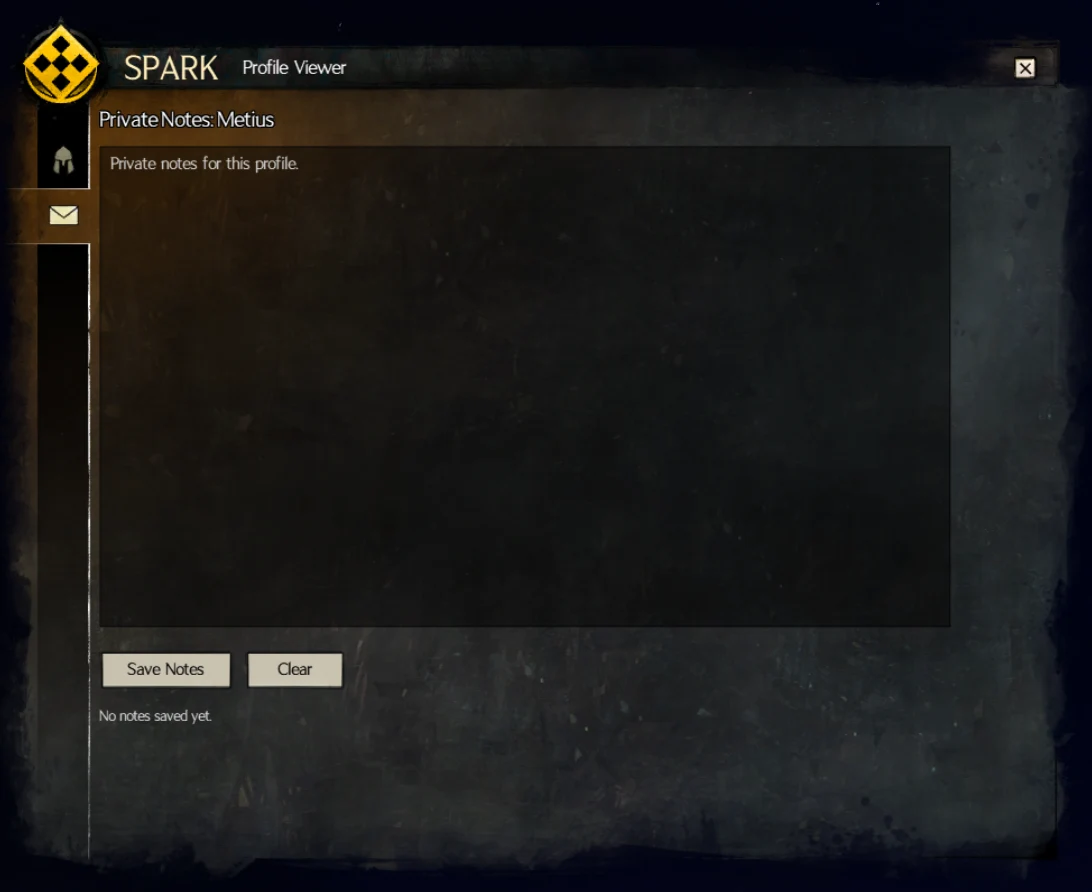
You can also record notes on people's profiles that you view, so you can remember things for later! This can be useful if you want to keep track of a multi-session RP and remember what you said to someone or what item you gave them a few weeks ago.
Online List
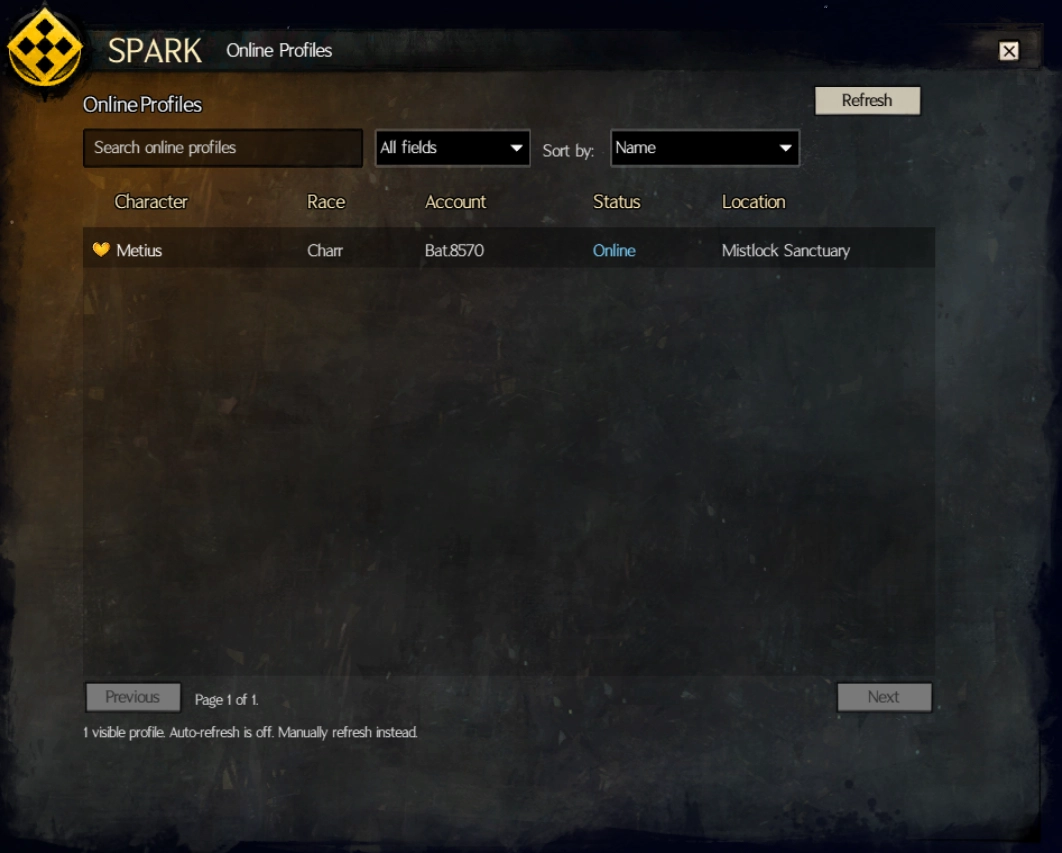
The online list is where you'll see all profiles that match any filtering you've done. Profiles are split between NA and EU, based on what you set in the Module Settings window.
Saved Profiles / Bookmarks
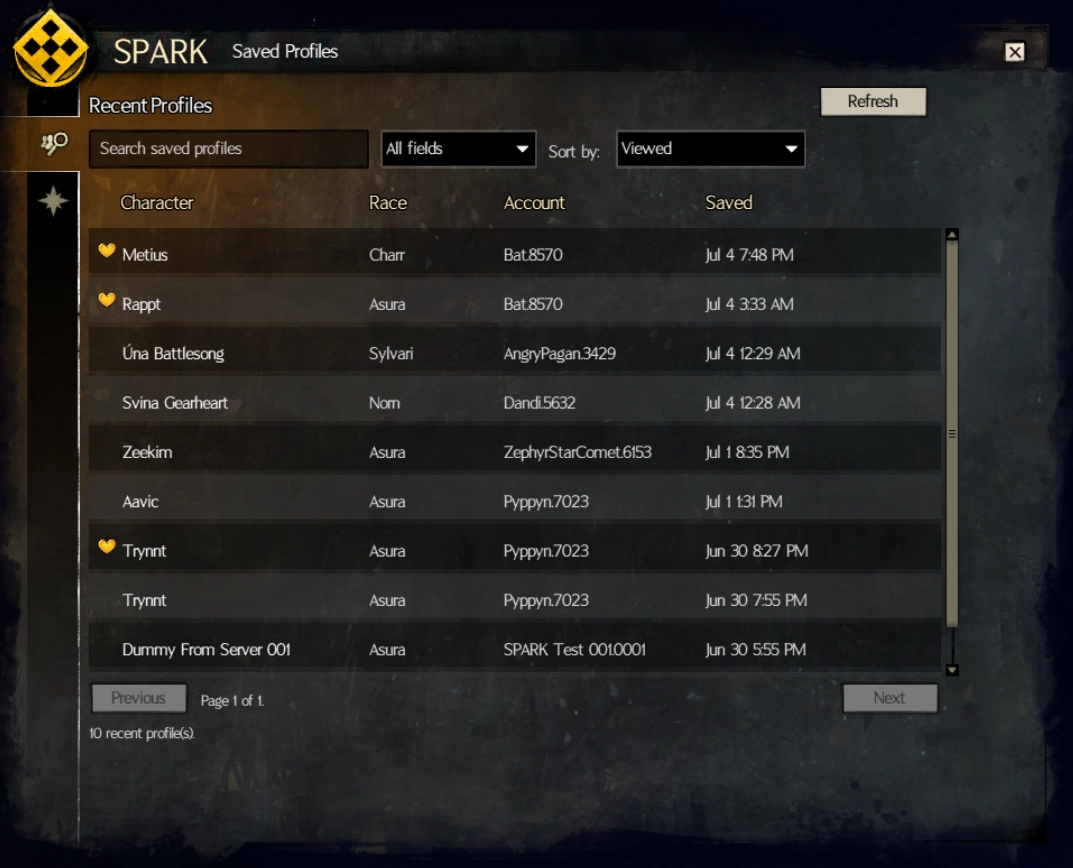
Up to 250 profiles that you view will be saved locally onto your machine and kept in the Recently Viewed section of the Saved Profiles window.
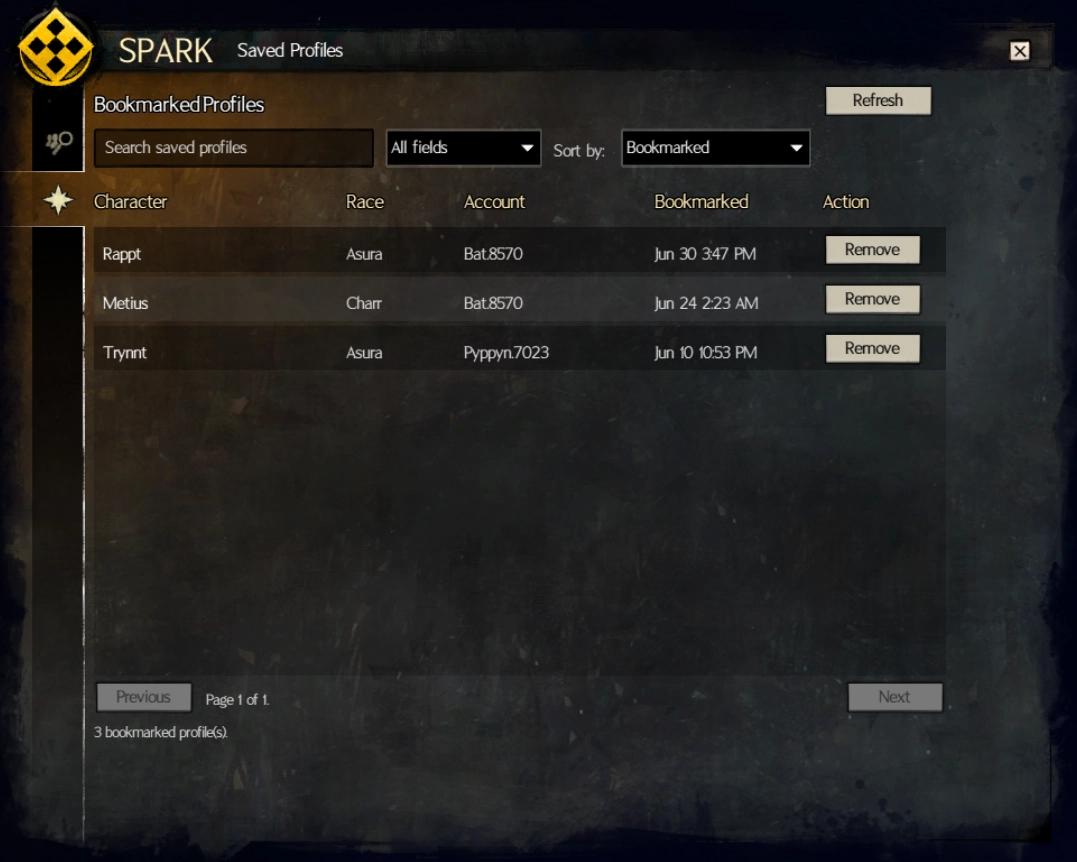
Bookmarked profiles do not count towards this limit and will not be automatically cleared.
Bookmarked Profiles
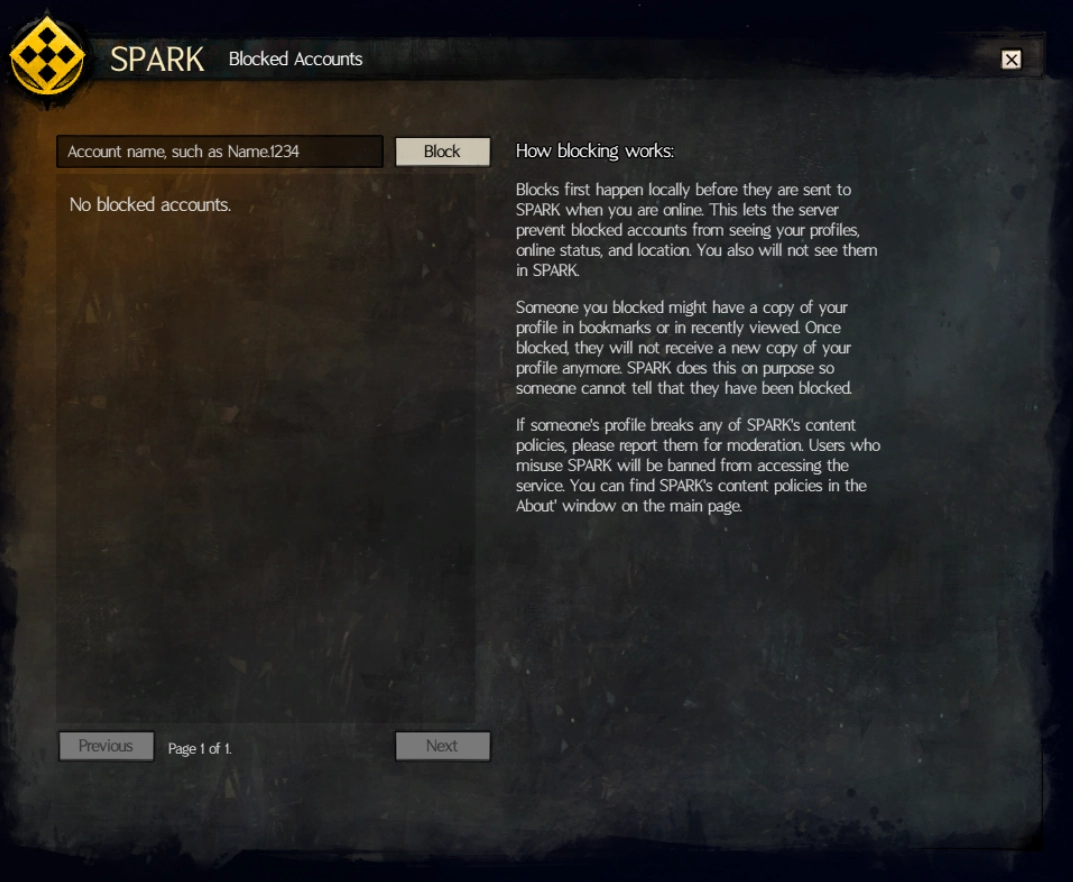
Blocks Manager
You can block people via their account name in the Blocks Manager, or by clicking the Block button on a profile you are viewing to add them in quickly.
Blocked users cannot see you online, view any of your profiles (except if they have a recently viewed version, but it will never update for them), and cannot see your location if it's public.
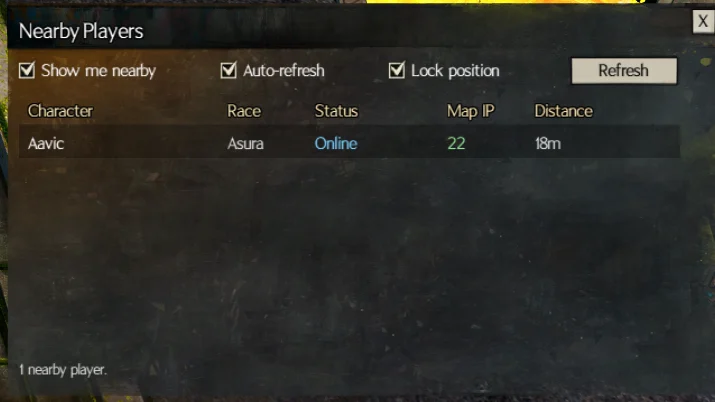
Nearby Players
If you are on a map and want to see if other SPARK users are near you, there's a small window you can enable, lock into place, and monitor for anyone near you.
This will show you other users on the same map IP as you first, sorted by how far away they are. Then this will show others on the same map, but different instances to help organize and get everyone on the same map.